Nspawn 3.0: A Docker-compatible Engine API for systemd-nspawn containers
Since 2.0.0
2.0.0 gave the machines that mount docker’s socket a read-only Docker API, enough for Traefik or Dozzle to find them. 3.0.0 serves the API with its changes, on the host too. In between:
- 2.1.0: published ports answer over IPv6 too, and
-ptakes IPv6 addresses. - 2.2.0: fixes for what came up moving a whole server of compose projects to nspawn. compose got anonymous volumes, networks made again when their definition changes,
down SERVICEand astartthat brings up what a service depends on. - 2.3.0: every layer is applied inside the tree it is extracted into and checked against the digest its image names for it.
- 2.3.1: packages on apt.nspawn.org (Debian 13+, Ubuntu 24.04+) and rpm.nspawn.org (Fedora 44+).
- 2.4.0:
-p PORTtakes a free port of the host, and a pull of an image index picks the entry for the host’s platform.
The Docker Engine API on the host
The host’s socket is /run/nspawn/api.sock, opened by nspawn-api.socket. Its main purpose is compatibility: tools that manage containers through the Docker API, like GitLab Runner’s docker executor, can use nspawn’s machines instead. nspawn is still the command line for managing them, but the docker command works against the socket too.
The packages ship the socket turned off. Once it listens, nspawn-api.service starts on the first connection:
1
$ sudo systemctl enable --now nspawn-api.socket
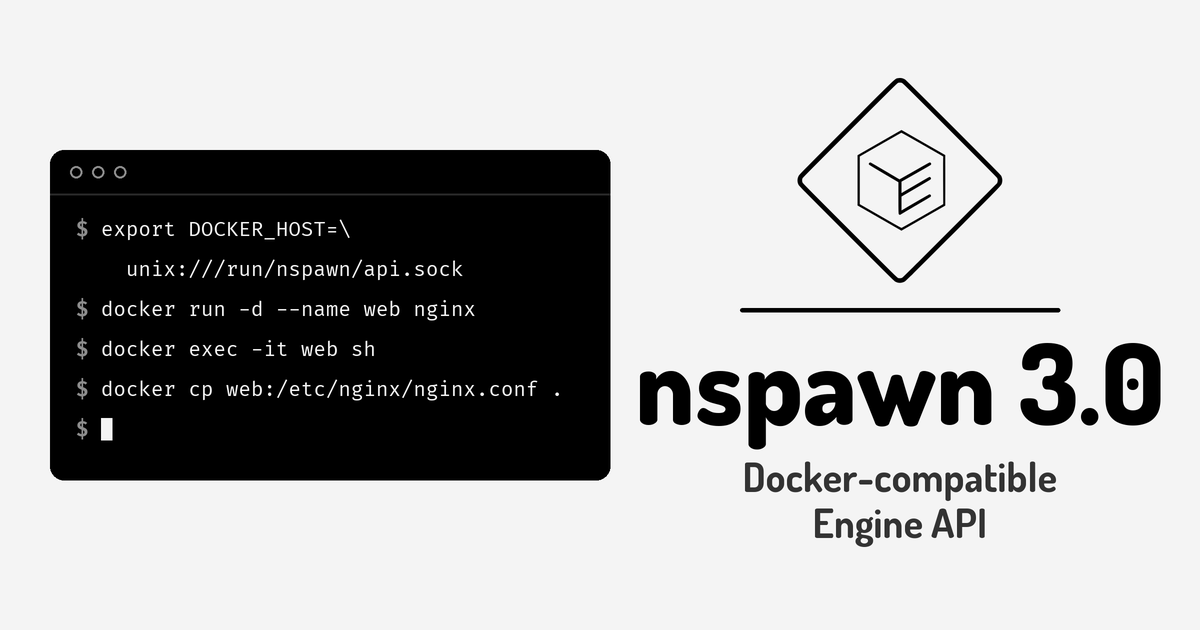
With DOCKER_HOST pointing at it, the docker command talks to nspawn:
1
2
3
4
5
6
$ export DOCKER_HOST=unix:///run/nspawn/api.sock
$ docker run --rm -it alpine sh
$ docker run -d --name web -p 8080:80 nginx
$ docker exec -it web sh
$ docker cp web:/etc/nginx/nginx.conf .
$ docker rm -f web
The API server is a client of the bus service, as the command line is. Everything it does is a method of org.nspawn, under the same polkit actions: reads and waits need org.nspawn.inspect, logs and changes need org.nspawn.manage. Every user can connect, but polkit is never asked to prompt, since nothing on a socket can answer an authentication agent. Root can do everything, and any other user needs a polkit rule, like nspawn-wheel.rules, which the packages ship as an example. As with the docker group, a user with org.nspawn.manage is root on the host: a machine runs commands as root and can mount any host path.
What one socket’s clients hold at once (connections, log and event streams, waits, attaches, execs) is bounded, and a user other than root gets a share of each, so no user can keep the others or root out.
Clients that only look at /run/docker.sock find it with a drop-in, on a host where nothing else has that path:
1
2
3
$ sudo mkdir -p /etc/systemd/system/nspawn-api.socket.d
$ printf '[Socket]\nSymlinks=/run/docker.sock\n' | sudo tee /etc/systemd/system/nspawn-api.socket.d/symlink.conf
$ sudo systemctl daemon-reload && sudo systemctl restart nspawn-api.socket
What the API serves
It answers in the shapes of API 1.51, and of the versions down to 1.24 that clients ask for.
- Containers:
create,start,stop,restart,kill,pause,unpause,wait,update, remove and prune, withAutoRemove. A create’s settings become the machine’s options: what nspawn has no use for comes back inWarnings, and what would change what the container does is refused with 400. - attach: with the input too. The program gets the client’s input, and its output comes back byte for byte, which is what
docker run -i,docker run -itanddocker start -aiuse. - exec: with a terminal or with stdout and stderr apart, input, variables, working directory and user. A command that is not found exits 127, one that can’t run 126.
- archive:
HEAD,GETandPUTon/containers/ID/archive, sodocker cpworks both ways, on running and stopped containers, keeping owners and modes. - Images: pull, with the engine’s progress messages and its “Image is up to date” and “Downloaded newer image”, remove and prune. An image’s ID is its config’s digest.
- Volumes and networks: create, inspect, list, remove and prune, and
connectanddisconnectwith aliases and fixed addresses, running or not.bridge,hostandnoneare the predefined networks.
GitLab Runner
GitLab Runner’s docker executor runs its jobs on nspawn’s machines through the API. Its host setting points at the socket:
1
2
3
4
5
[[runners]]
  executor = "docker"
  [runners.docker]
    host = "unix:///run/nspawn/api.sock"
    image = "alpine:latest"
A variable’s value can now hold line breaks (-e, compose’s environment, the API’s Env). GitLab’s CI_COMMIT_MESSAGE for a commit with a body is one.
Breaking changes
A machine’s API socket takes changes. In 2.0.0 the socket inside a machine was read-only. Now a machine that mounts
/var/run/docker.sock,/run/docker.sockor/run/nspawn/api.sockread-write can create, start, exec in and remove containers, pull and remove images, and create volumes and networks. With:rothe socket reads, follows logs and kills, and refuses everything else with 403. Only root inside the machine can connect, and it sees every machine and their-evariables (--secretvalues never show). A proxy or a dashboard that only reads should mount it:ro, the Traefik example in the 2.0 post included:/var/run/docker.sock:/var/run/docker.sock:ro.- A record pulled or built that never ran is an image, not a container. The API’s container list, inspect and prune leave it out, and
GET /images/jsonlists it. - The bus says what failed. A failed method or job carries an error name under
org.nspawn.Error:NotAuthorized,NoSuchMachine,NoSuchImage,NoSuchNetwork,NoSuchVolume,NoSuchPath,Exists,InUse,NotRunning,AlreadyRunning,Paused,NotPaused,Invalid, andFailedfor the rest.
Other changes
nspawn info: the service’s version, its machines by state, images, directories, default backend, log driver, registry and the host.-f jsonor-f TEMPLATE, and it exits 1 when the service doesn’t answer. The API’sGET /infoanswers from it.nspawn images inspect: the records of images as JSON or through-f TEMPLATE.nspawn imageis now the same group asnspawn images.-P/--publish-all: publishes every port the image exposes that no-ppublishes, on a free port of the host.- Volumes:
volume create --label,volume ls --filter label=, andsystem prune --volumesremoves the unnamed volumes, which only the API creates. --timezone auto, the default, gives a writable root without the host’s zone a copy of/etc/localtime, which tzdata can replace, instead of systemd-nspawn’s read-only bind.- A bare
-e VARthat isn’t set is left out instead of refused, so-e DEBUGpasses it on only where it’s set. - No line of a machine’s output is lost to journald’s rate limit. The unit’s
LogRateLimitIntervalSec=0never reached journald, which kept its default of 10000 lines in 30 seconds. The hooks drop-in now sets an interval of one microsecond with a burst of a million. - A build of a tag replaces the image of that reference while nothing ran from it, mkosi builds too. If a machine or an image of another reference has the name, the build goes beside it under a free name (
app-2) and says so.
The full list is in the release notes.
Known gaps
- Image builds, loads, imports, tags, pushes and commits, container renames and exports, swarm and plugins answer 501 “not supported”.
docker buildagainst the socket doesn’t work,nspawn builddoes. - A stopped container’s volumes are mounted only while it runs, so copies to or from them are refused until it starts.
nspawn run -ireads the output through the journal, which drops empty lines. The API’s attach doesn’t.nspawn generatedoesn’t keep the name the API gave a network, and compose refuses network names with a..- mstack is still experimental and untested, and doesn’t serve the API.
3.1.0 and 3.2.0
Both are out already:
- 3.1.0 adds
--device-cgroup-rule, for devices that come and go while the machine runs, like a USB device being flashed:-v /dev/bus/usb:/dev/bus/usb --device-cgroup-rule 'c 189:* rwm'. An app given devices of the host now runs without a user namespace, and a machine that ran in one keeps its files’ owners shifted, so make it again withnspawn rmandrunorcreate. - 3.2.0 reads the name of a machine or an image the same way in every command: an image goes by its local name or its reference, so
images rm somos/app:1andrun somos-app-1both work.runnever consumes or replaces an image: the machine goes beside it.
The requirements are the same as for 2.0.0. Packages for Fedora, Debian/Ubuntu and Arch are attached to the release, and apt.nspawn.org and rpm.nspawn.org have the first two. If a client of the Docker API fails against nspawn where it works with docker, open an issue with what it sent.
Happy sandboxing!